Tonight's special needs a post before dinner.
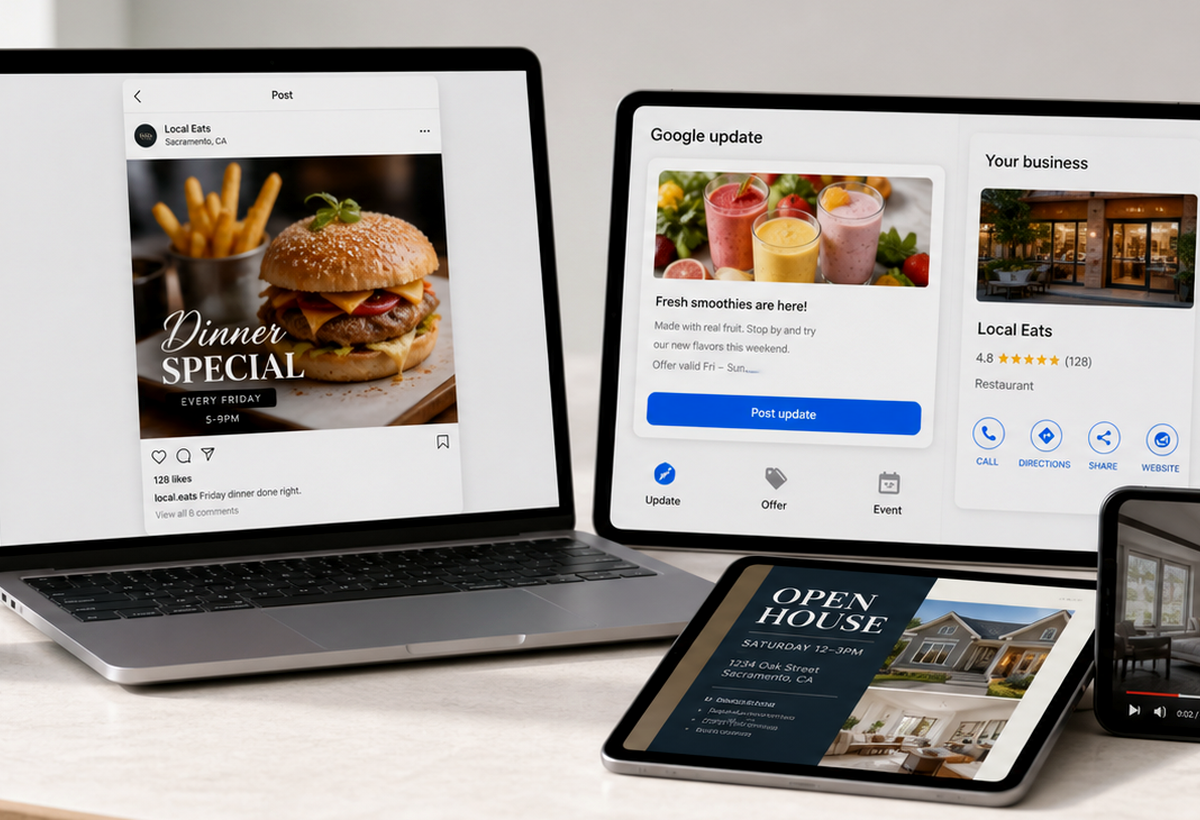
Use a dish photo, menu line, and details to make a square post, story crop, and caption cue.
Weekly local content help for small businesses
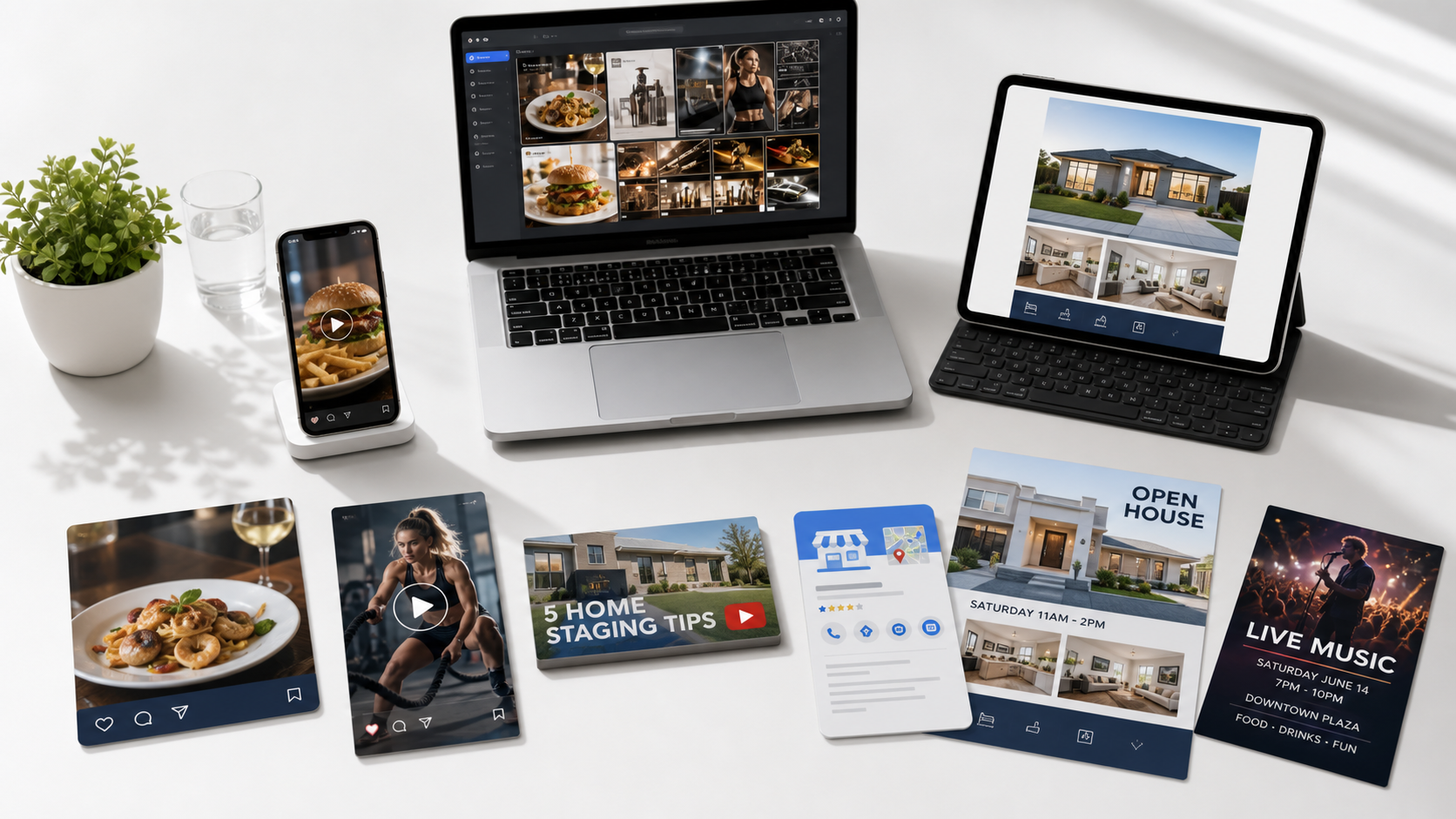
Send the clip, photo, menu item, listing, offer, or event details you already have. Get the finished asset the owner needs next.
For the owner's next move
Not another tool to learn. Not a vague creative package. A specific post, short edit, flyer, thumbnail, listing visual, or Google update.
Use a dish photo, menu line, and details to make a square post, story crop, and caption cue.
Turn property photos and facts into a just-listed graphic, open-house flyer, and recap cover.
Shape one offer, event, or result into a Business Profile update and social-ready crop.
Popular local content services
Choose the service a business owner would search for: short video editing, restaurant social media posts, Google Business Profile posts, listing visuals, thumbnails, or flyer design.

Reel file, cover frame, caption cue
video editing services for small business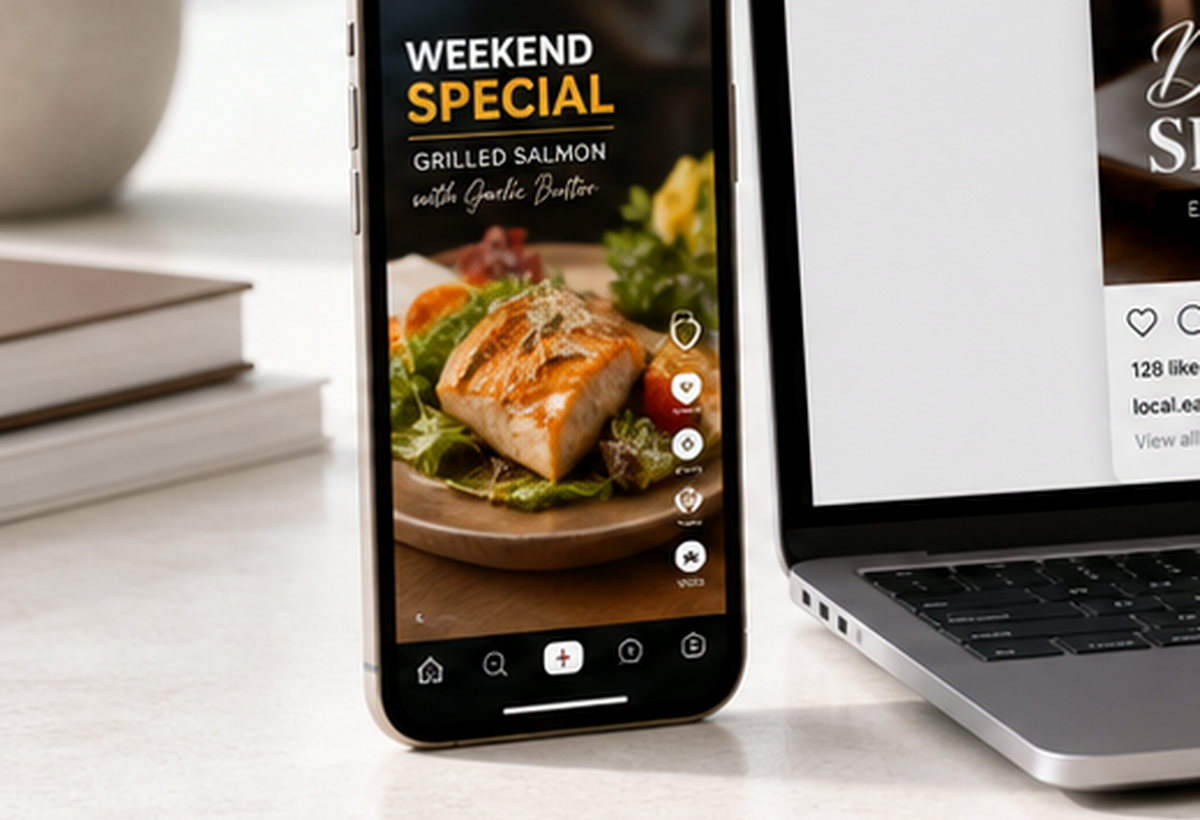

Square post, story frame, caption cue
restaurant social media posts service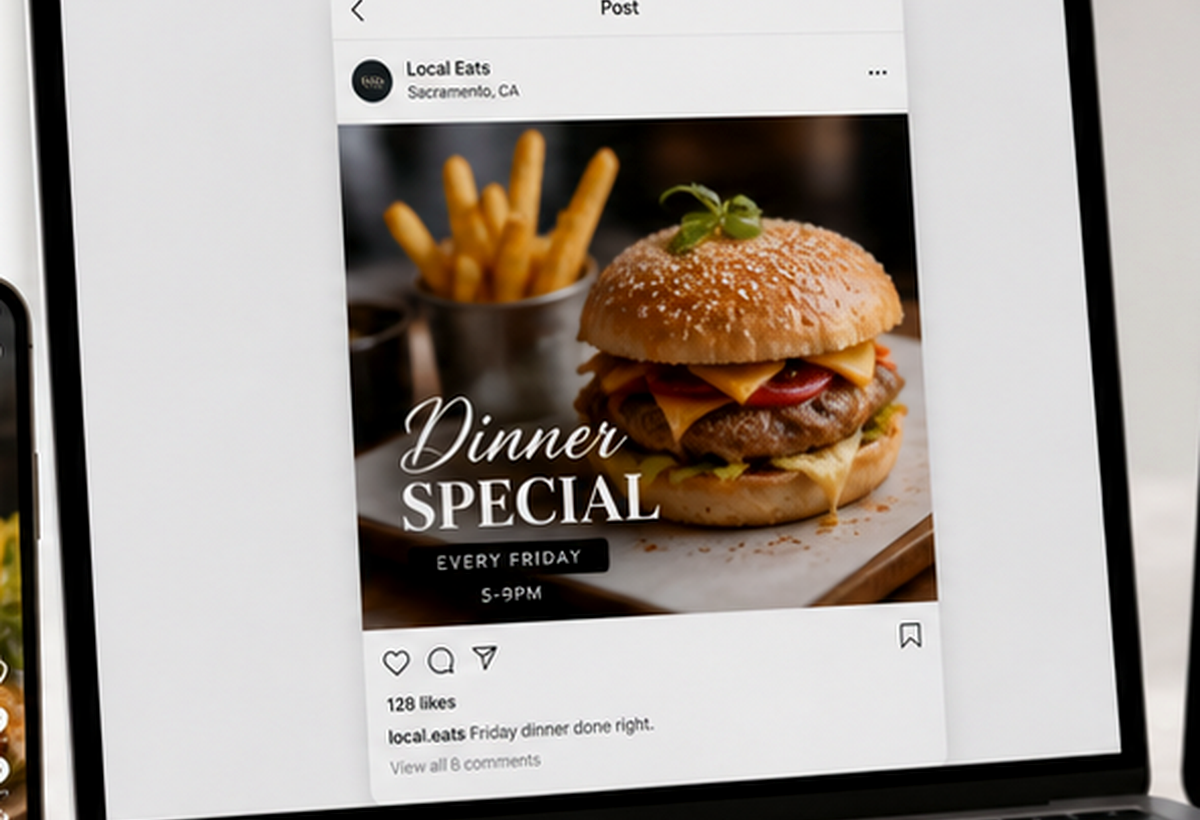

Update image, copy draft, posting note
Google Business Profile posting service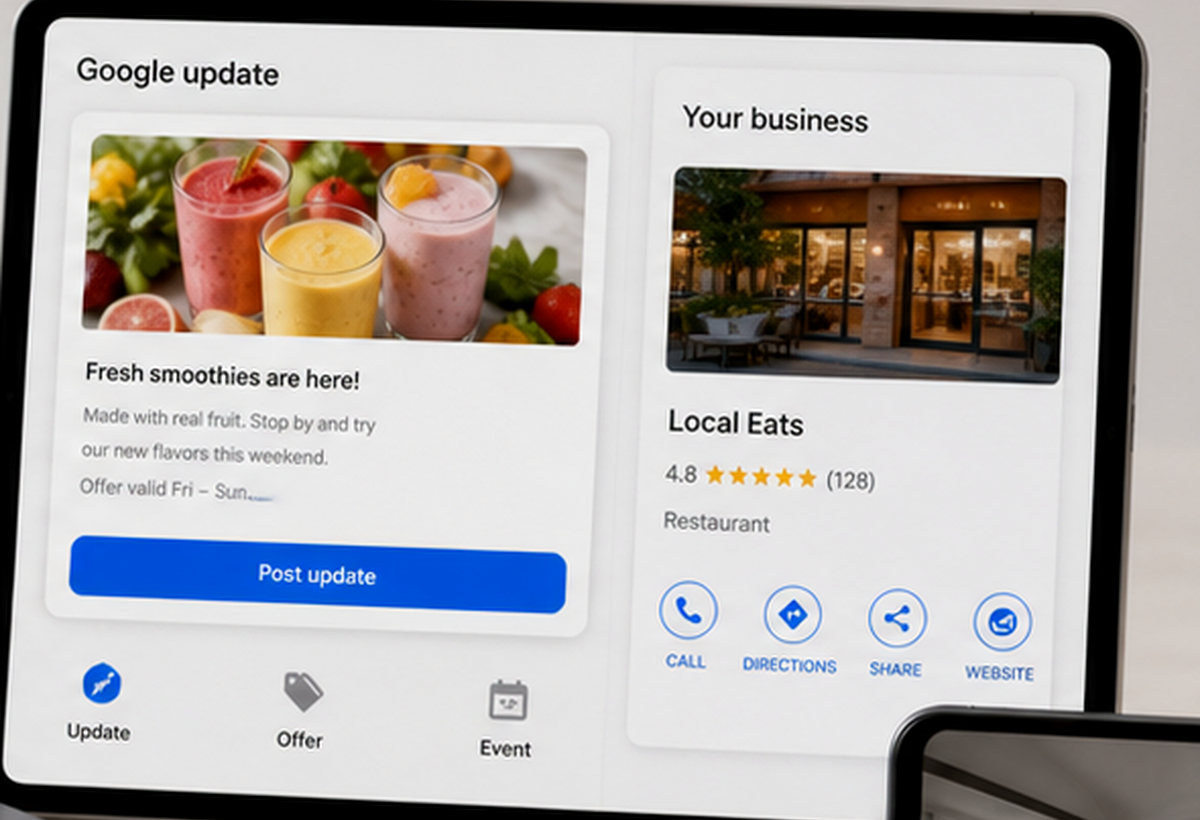

Just-listed post, flyer, recap cover
real estate listing visuals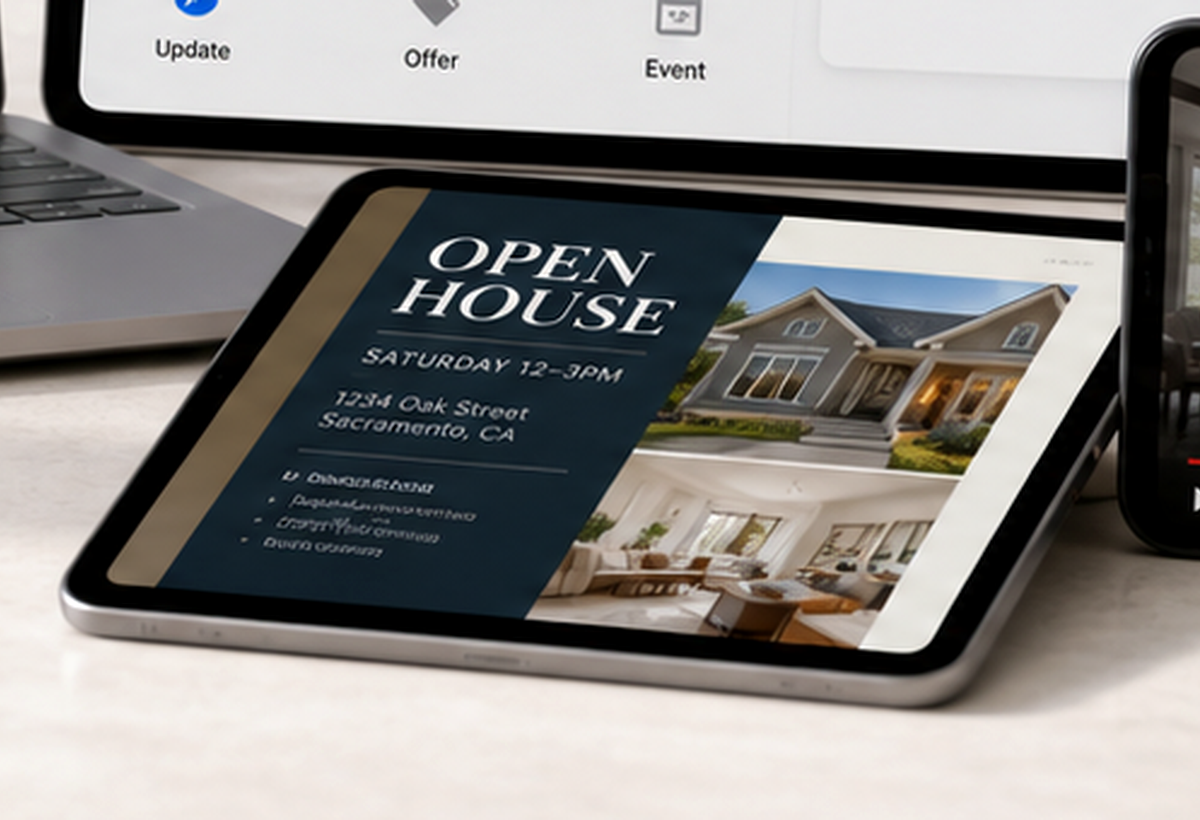

Thumbnail, cover crop, variant
YouTube thumbnail design service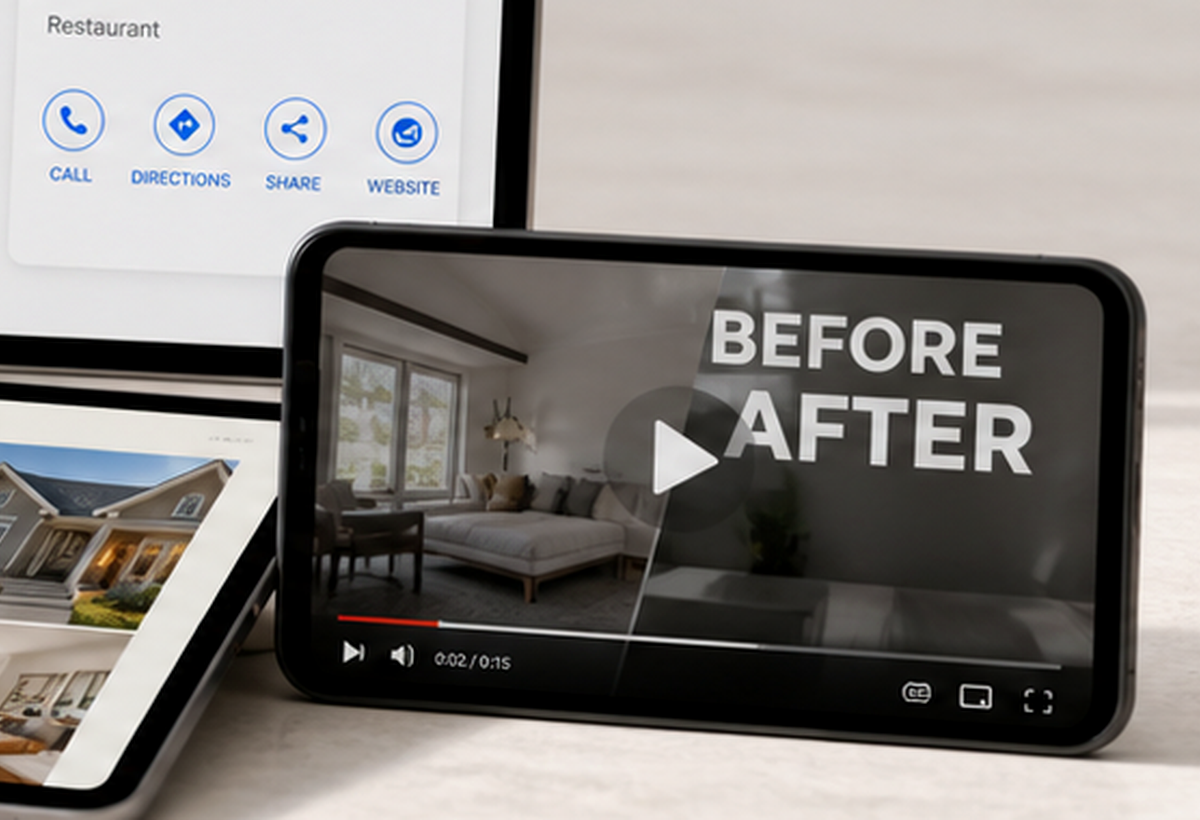

Flyer, square post, story crop
Canva social media design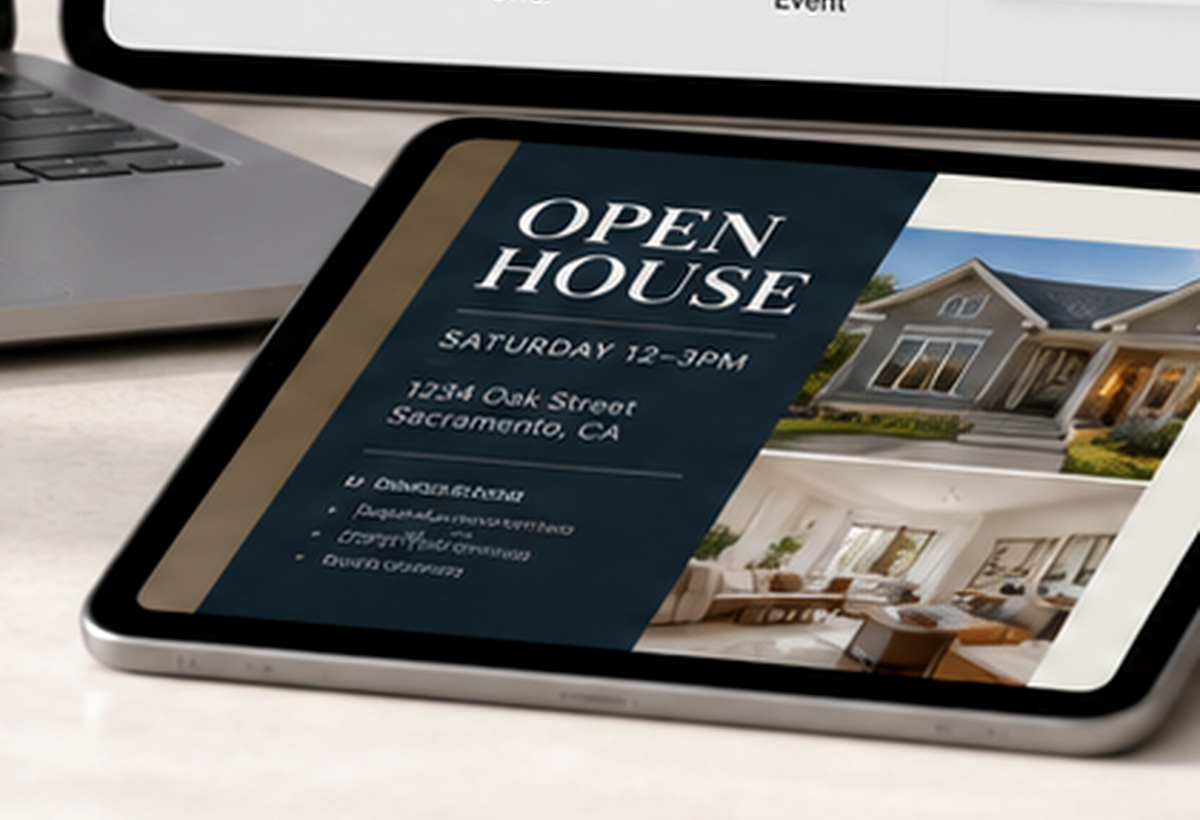
What owners request
Start with the service name a business owner would type into Google, then send the photos, clips, listing details, offer, menu item, or event information needed to make it real.
Raw phone clips become a reel, cover frame, caption cue, and export-ready file.
Dish photos, specials, catering pushes, and event nights become post-ready assets.
Offers, events, seasonal updates, and service notes become local search updates.
Listing photos and facts become just-listed graphics, open-house flyers, and recap covers.
Sacramento local pages
Use the Sacramento pages when the buyer is searching locally for video editing, restaurant content, listing visuals, Google Business Profile posts, or flyer design.
Next step
Best first request: short video editing, restaurant social media posts, Google Business Profile posts, real estate listing visuals, YouTube thumbnail design, or Canva flyer design.
Request content help